About this template
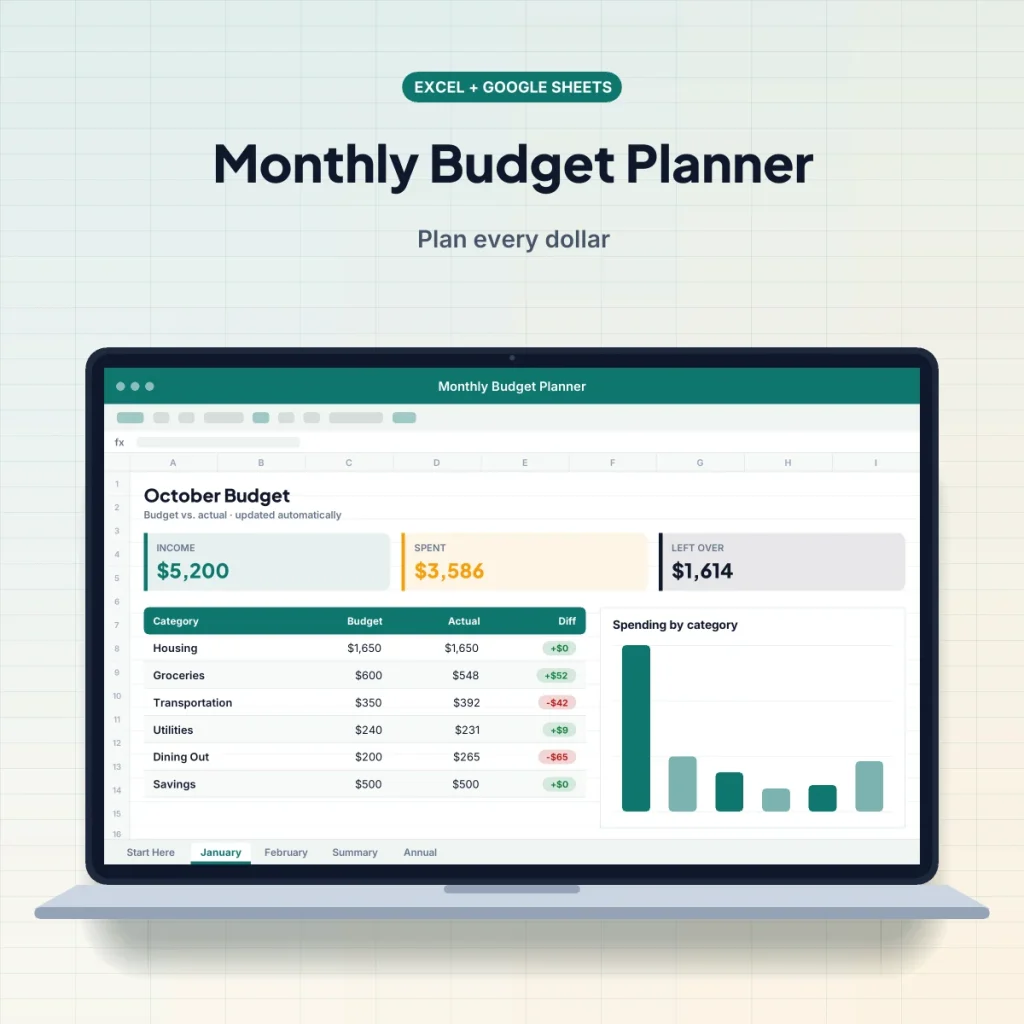
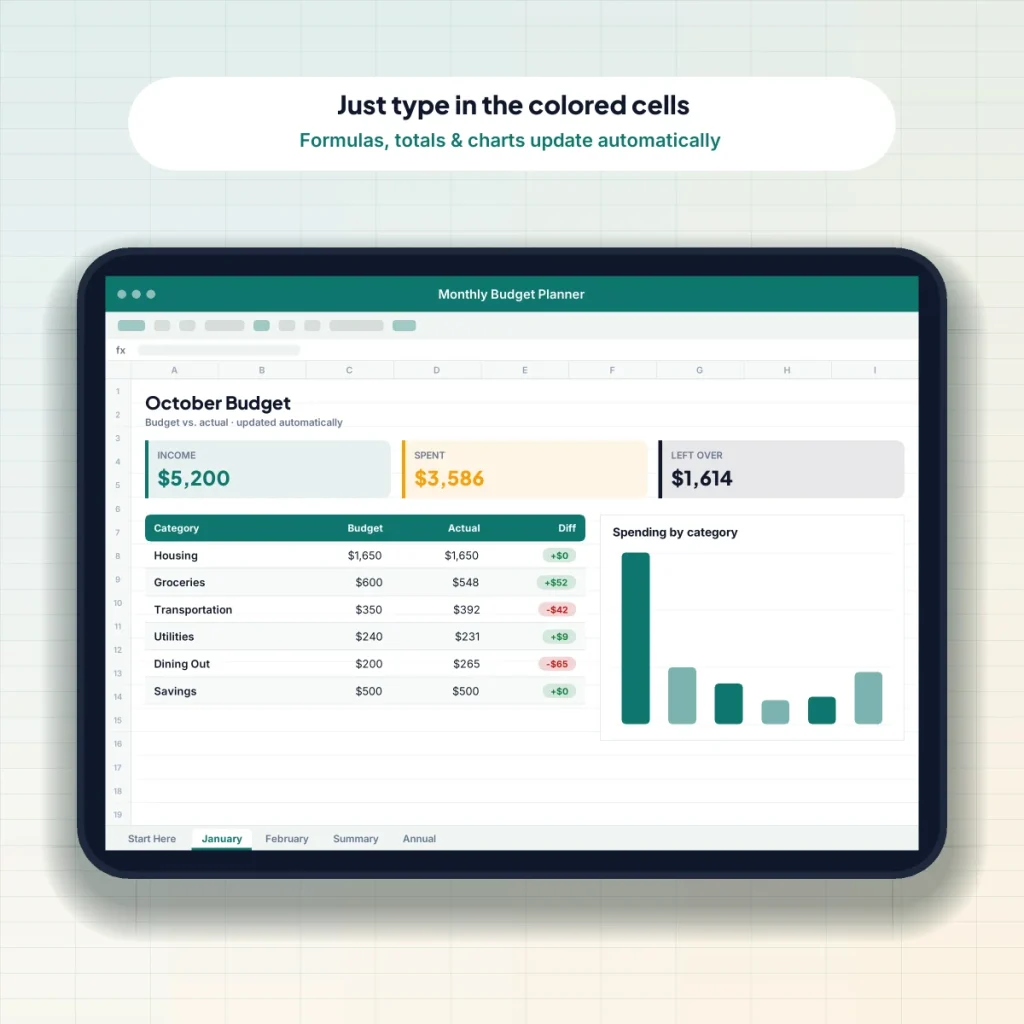
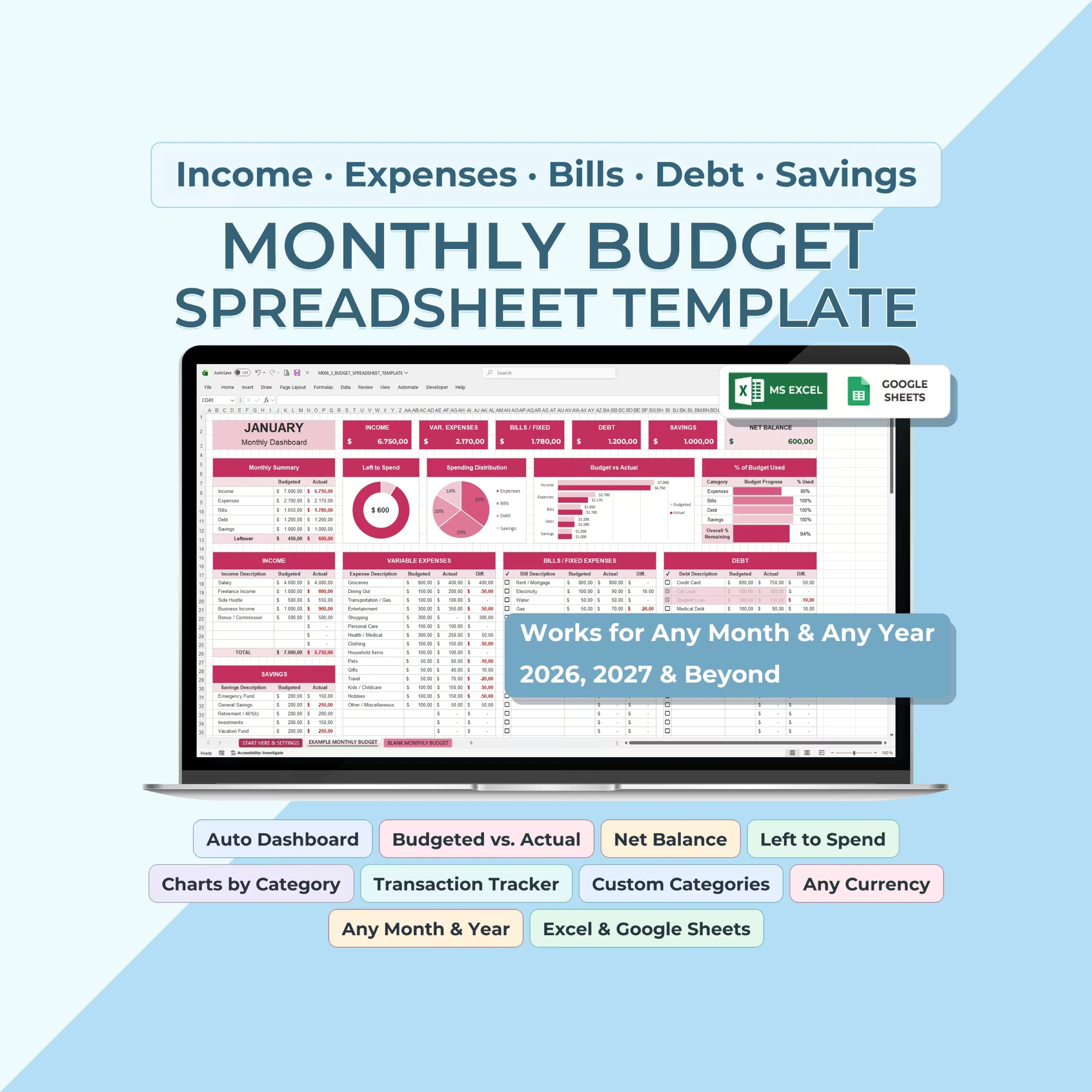
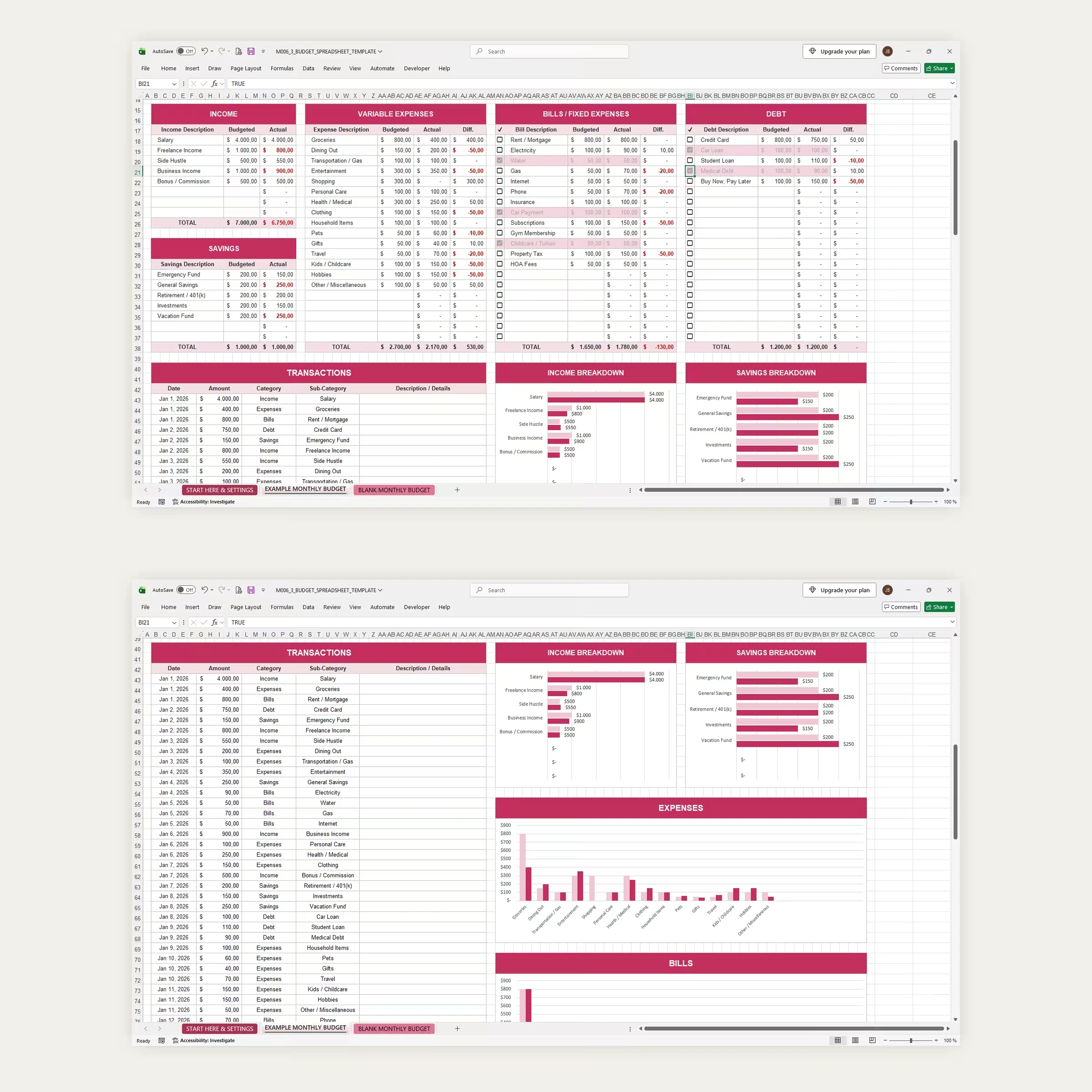
See your whole month at a glance. This Monthly Budget Spreadsheet Template brings your income, variable expenses, bills, debt, and savings together in one clean workbook. Enter a budget for each category, log your transactions once, and every card, chart, and total updates automatically, including your Net Balance, Left to Spend, and % of Budget Used.
What’s included
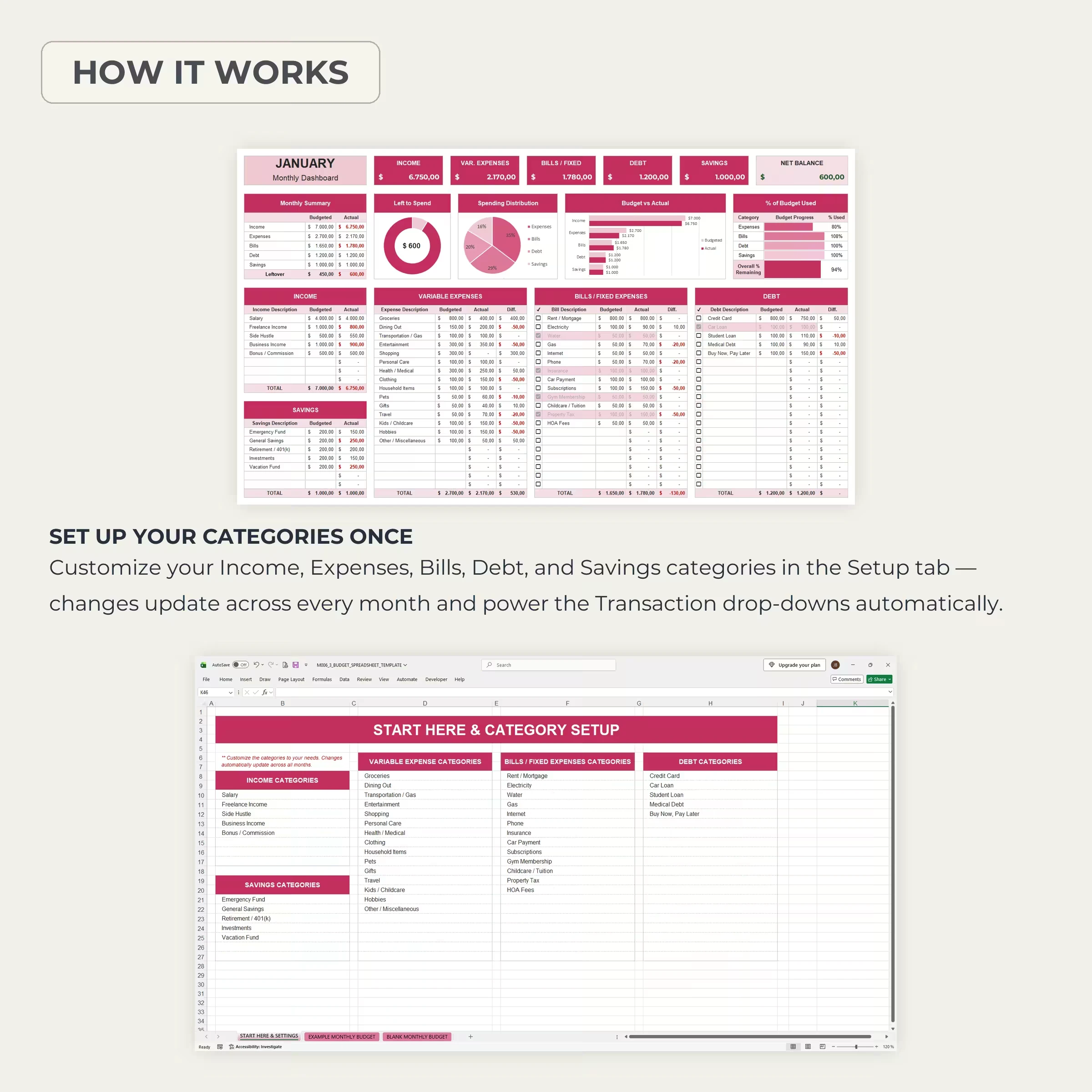
- Start Here & Settings tab with category setup
- Example Monthly Budget filled in so you can see how everything works
- Blank Monthly Budget ready for your own numbers
- Excel file (.xlsx) plus a link to make your own Google Sheets copy
- Step-by-step instructions
Key features
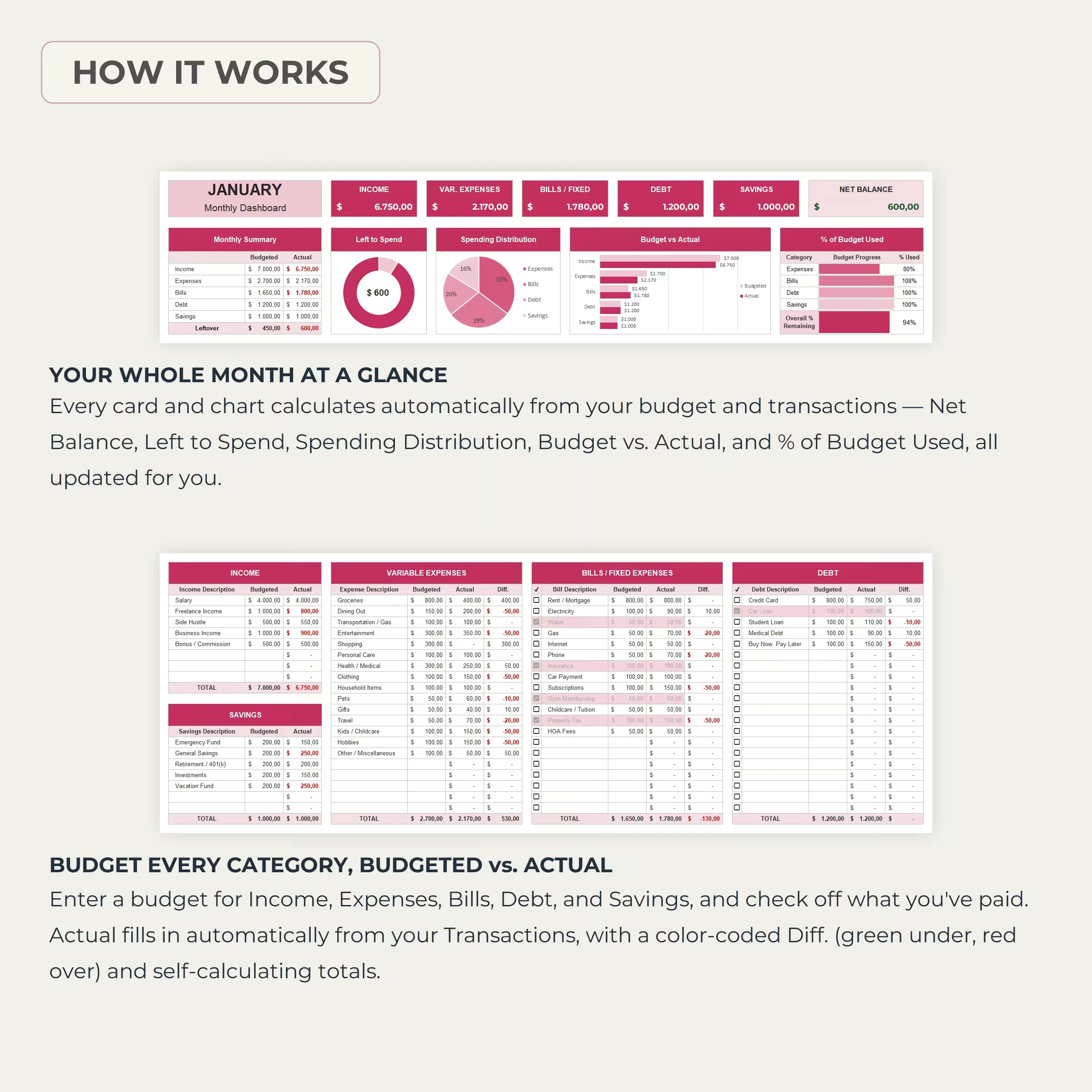
- Auto dashboard: Income, Variable Expenses, Bills/Fixed, Debt, Savings, and Net Balance cards
- Left to Spend donut, Spending Distribution pie, Budget vs. Actual bars, and % of Budget Used
- Budgeted vs. actual for every line, with color-coded differences (green under, red over)
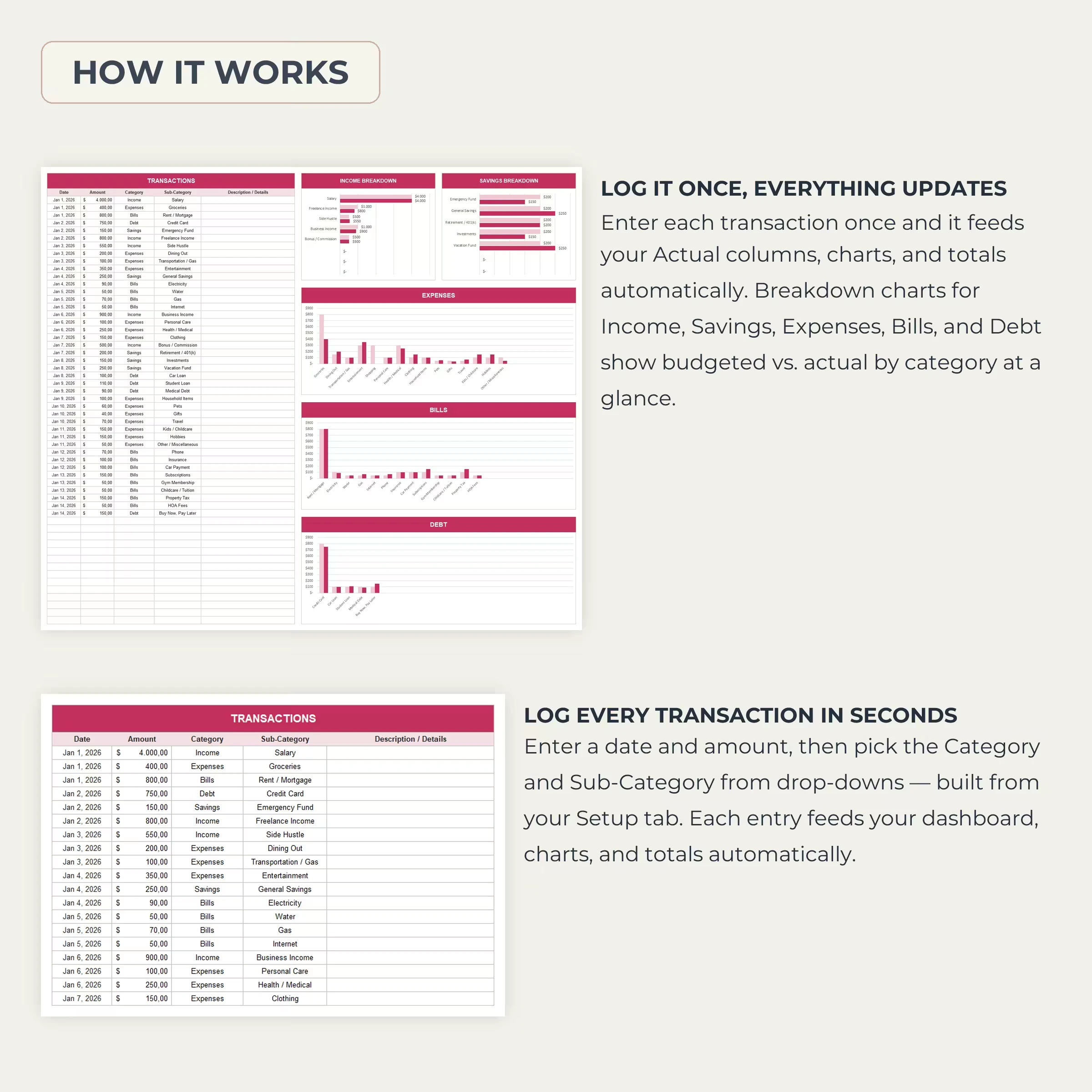
- Transaction tracker with Category and Sub-Category drop-downs that feed every total and chart
- Breakdown charts for Income, Savings, Expenses, Bills, and Debt
- Check off paid bills and debt payments as you go
- Custom categories: edit them once in Setup and they update everywhere
- Any month, any year, any currency: use it for 2026, 2027, and beyond
Perfect for
Individuals, couples, and families who want a clear, flexible monthly budget without a subscription app, whether you are paying off debt, building savings, or simply want to know where your money goes.
How to get started
- Complete checkout. Your downloads appear instantly and are emailed to you.
- Open the .xlsx file in Excel, or open the PDF and use the link to make your own Google Sheets copy (File → Make a copy).
- Customize your categories in the Start Here & Settings tab.
- Enter your monthly budget, then log each transaction. The dashboard does the rest.