Bill Payment Tracker

$9.00

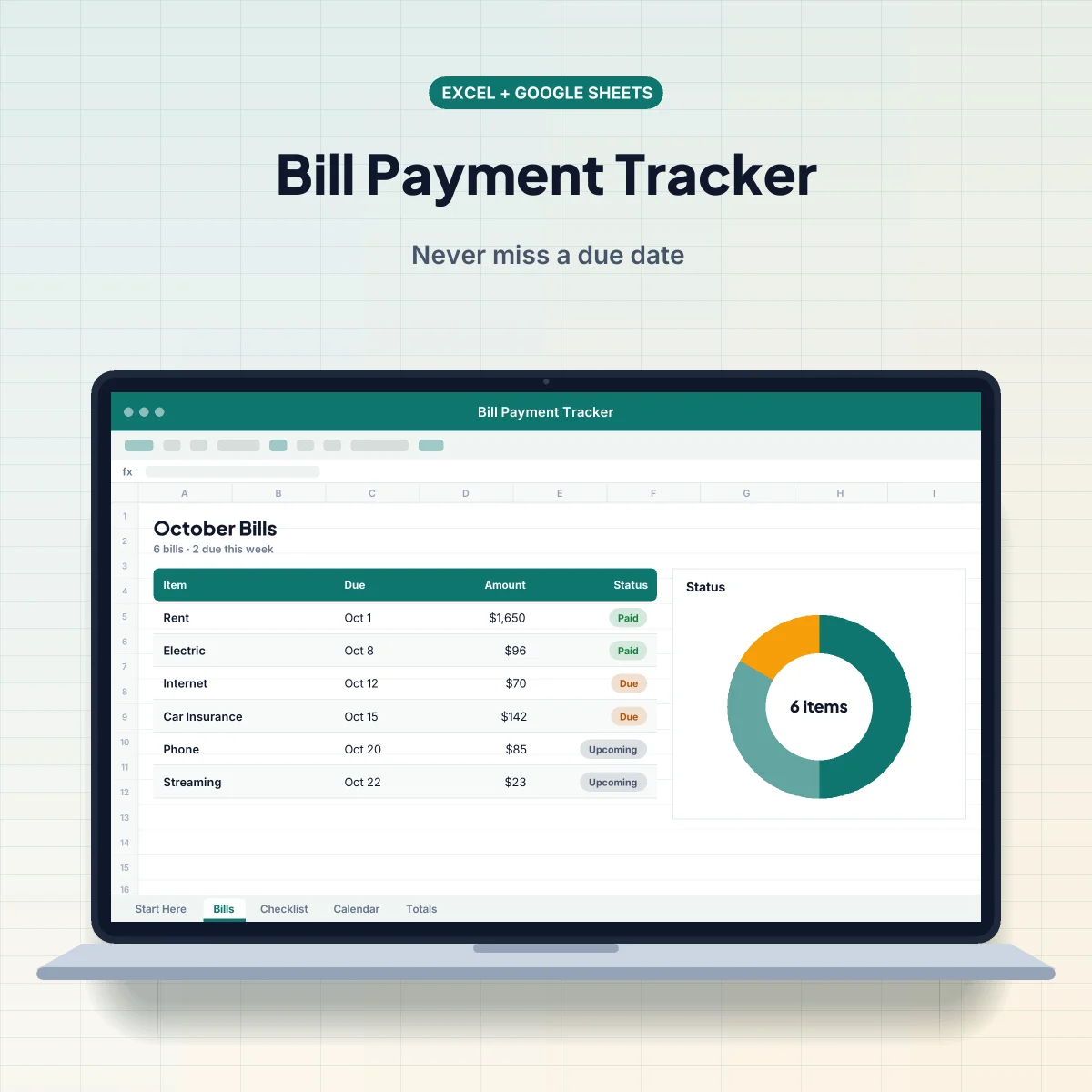
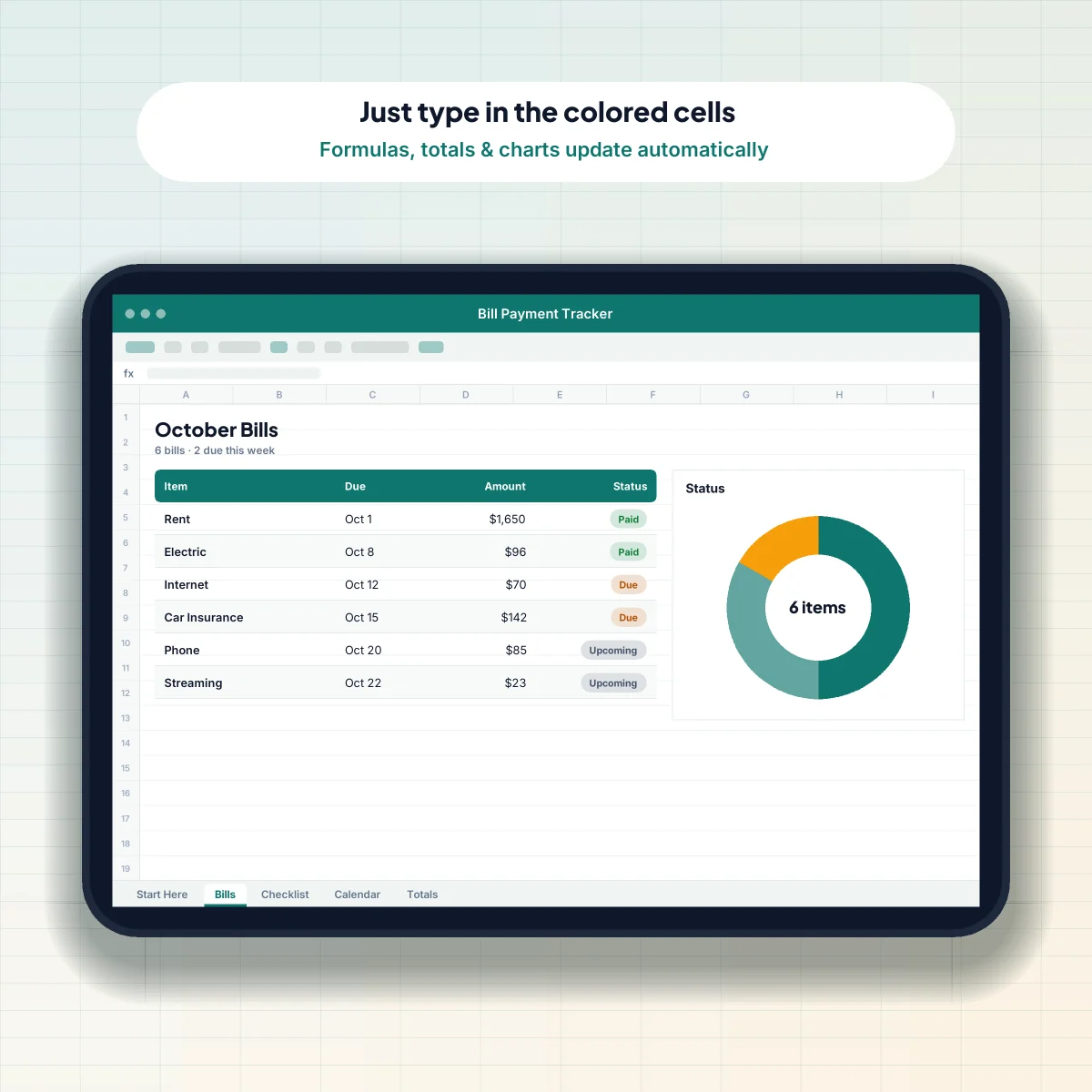
Keep every bill, due date, and payment in one place, with automatic Paid / Due / Late status.

  • Automatic Paid, Due, and Late status
  • Monthly bill calendar view
  • Yearly total per bill

Instant download — files delivered right after checkout

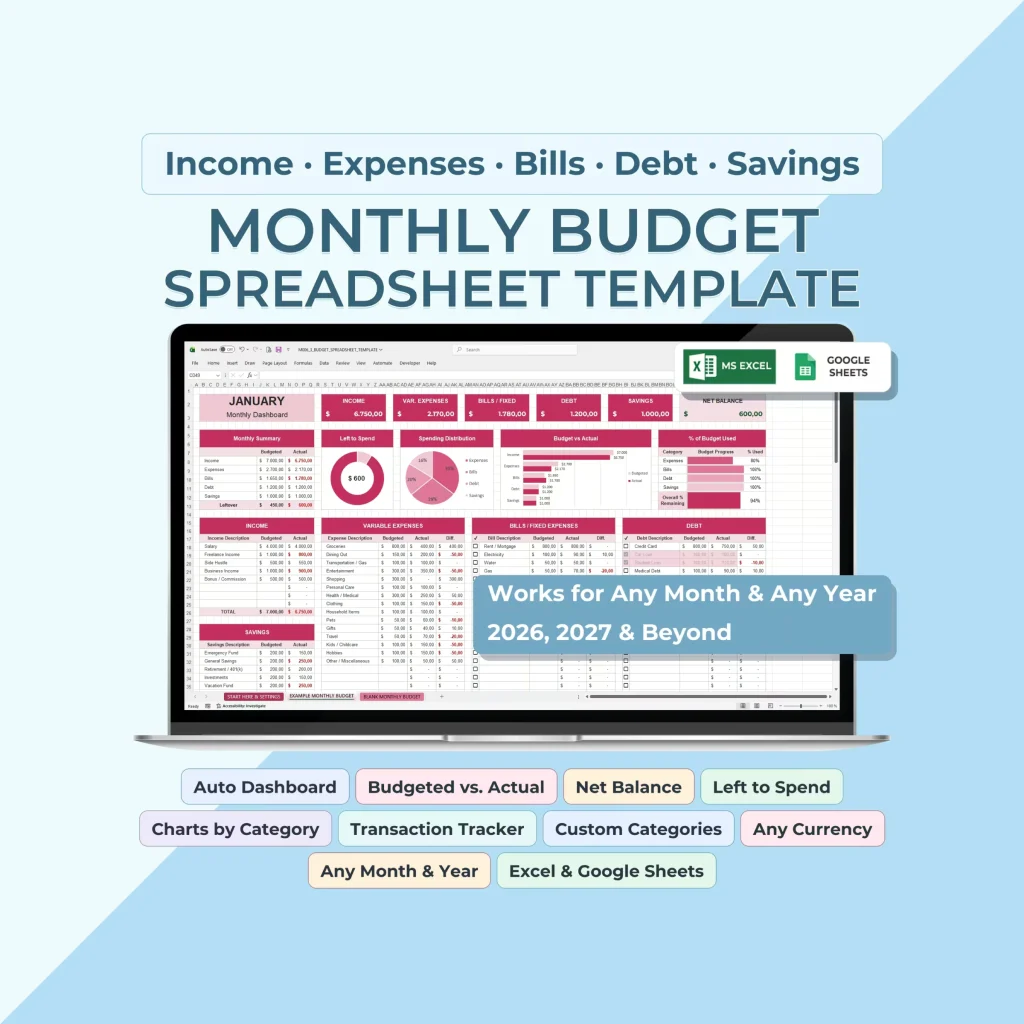
Excel + Google Sheets — both versions included

Lifetime access — one-time payment, free updates

30-day guarantee — we will make it right or refund you

Excel .xlsx

Google Sheets

Digital download

About this template

Late fees add up fast. List your bills once and this tracker shows what is due this week, what is paid, and what is coming next. Color-coded statuses and a monthly bill calendar make it easy to stay ahead of every payment.

What’s included

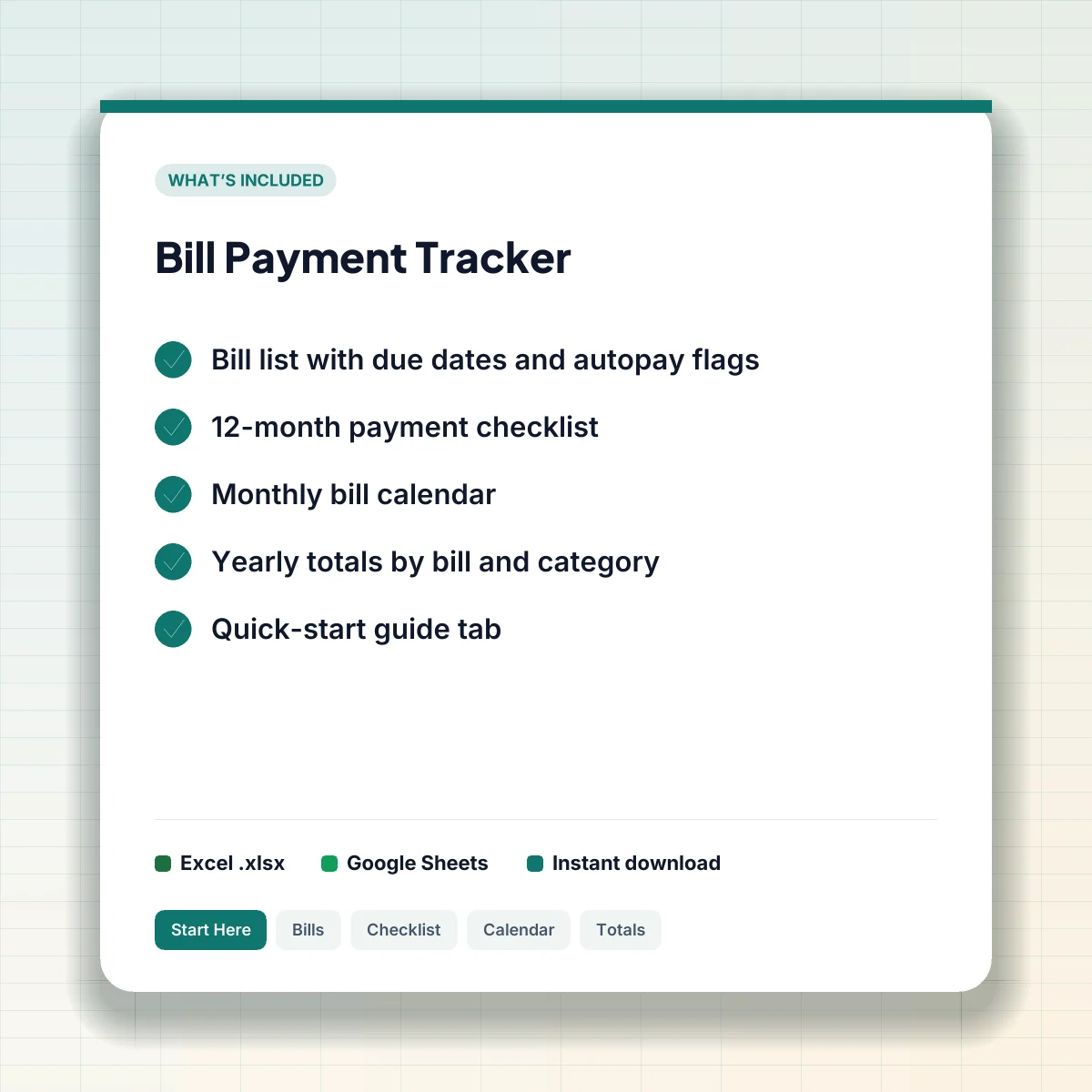
  • Bill list with due dates and autopay flags
  • 12-month payment checklist
  • Monthly bill calendar
  • Yearly totals by bill and category
  • Quick-start guide tab

Key features

  • Status updates automatically from the due date
  • Highlights bills due in the next 7 days
  • Tracks autopay vs. manual payments
  • Easy to print and put on the fridge

Perfect for

Households juggling many due dates who want to avoid late fees and stress.

How to get started

  1. Complete checkout. Your download link appears instantly and is emailed to you.
  2. Open the .xlsx file in Excel, or use the included link to make your own Google Sheets copy.
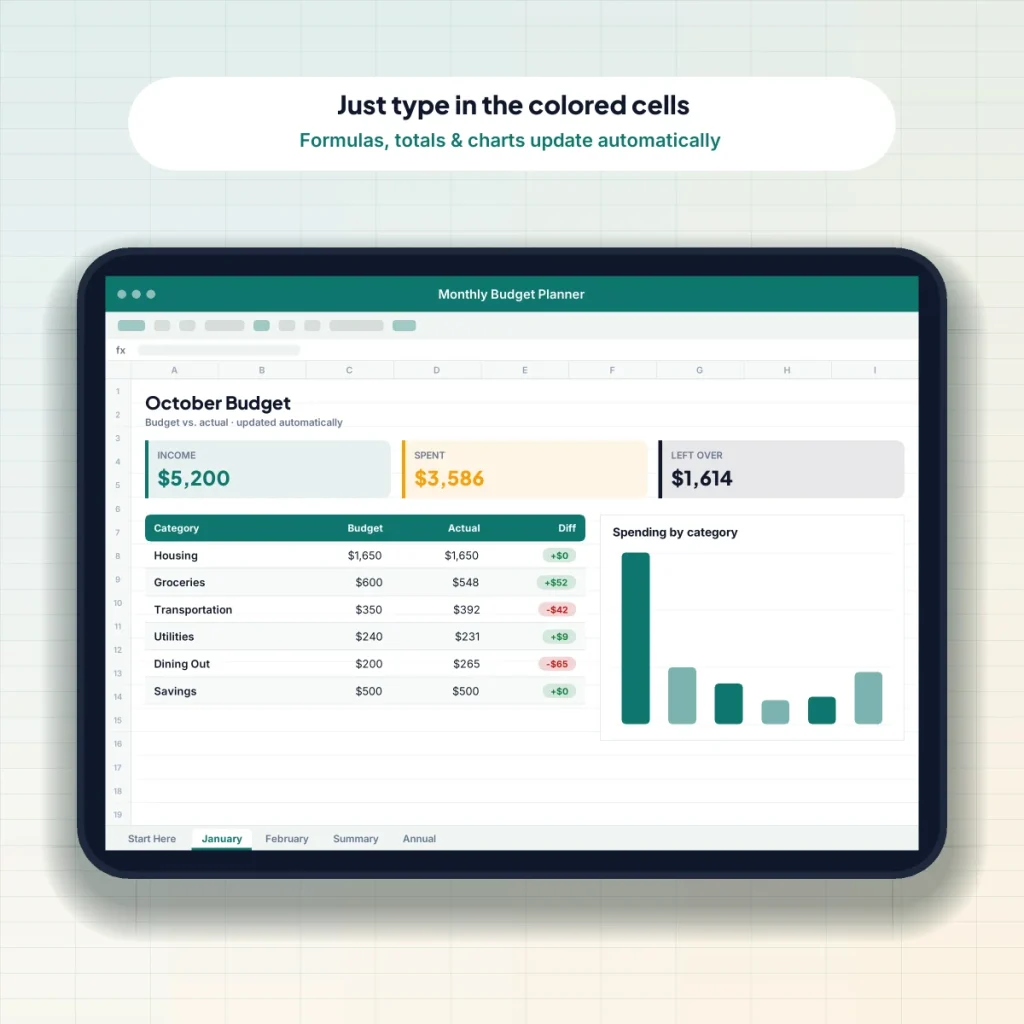
  3. Read the Start Here tab, then type your information into the colored cells.
Compatibility

Microsoft Excel

Excel 2016 or newer, Microsoft 365, Excel for Mac, and Excel for the web.

Google Sheets

Make your own copy in one click. Free with any Google account, and easy to share.

Any device

Use it on Windows, Mac, Chromebook, iPad, iPhone, and Android.

Frequently asked questions

What exactly will I receive?

An .xlsx file for Microsoft Excel, a link to make your own Google Sheets copy, and a quick-start guide. Everything is available to download immediately after purchase.

Can I customize the template?

Yes. Rename categories, change colors, and add rows. The formulas are built to keep working as you customize.

Will it work on my phone?

Yes. You can view and update it in the free Google Sheets or Excel apps. For setting it up the first time we recommend a computer or tablet.

Is it a physical product?

No. This is a digital download. Nothing will be shipped to you.

Can I use it for more than one year?

Absolutely. Make a fresh copy each year, or month, as many times as you like. Your purchase includes lifetime access and updates.